Geolocation
Privacy Thing changes the coordinates and accuracy reported by geolocation requests, including subsequent location updates.
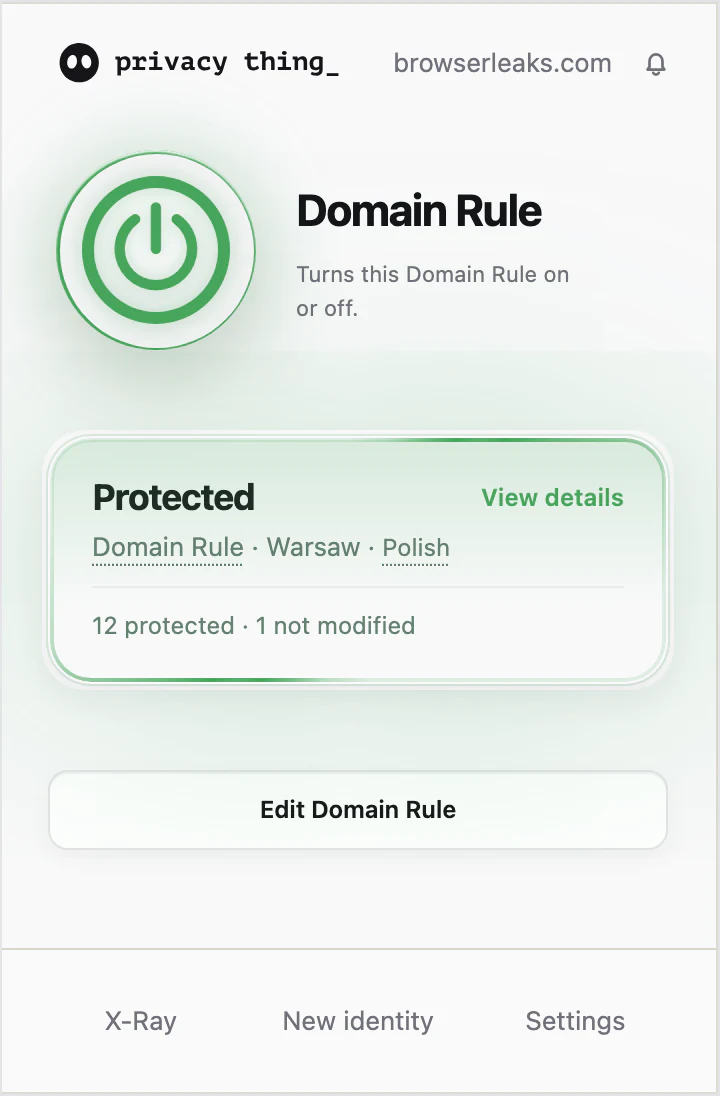
See what a site checks and decide which browser data it receives. Give every domain its own location, language, and time zone — Privacy Thing applies consistent, plausible values automatically as you browse.
The Preview is available in the Chrome, Firefox, and Edge stores.
See how it works


Save location, language, and time zone in a Regional Preset.
Choose an exact host or domain pattern, then assign the preset.
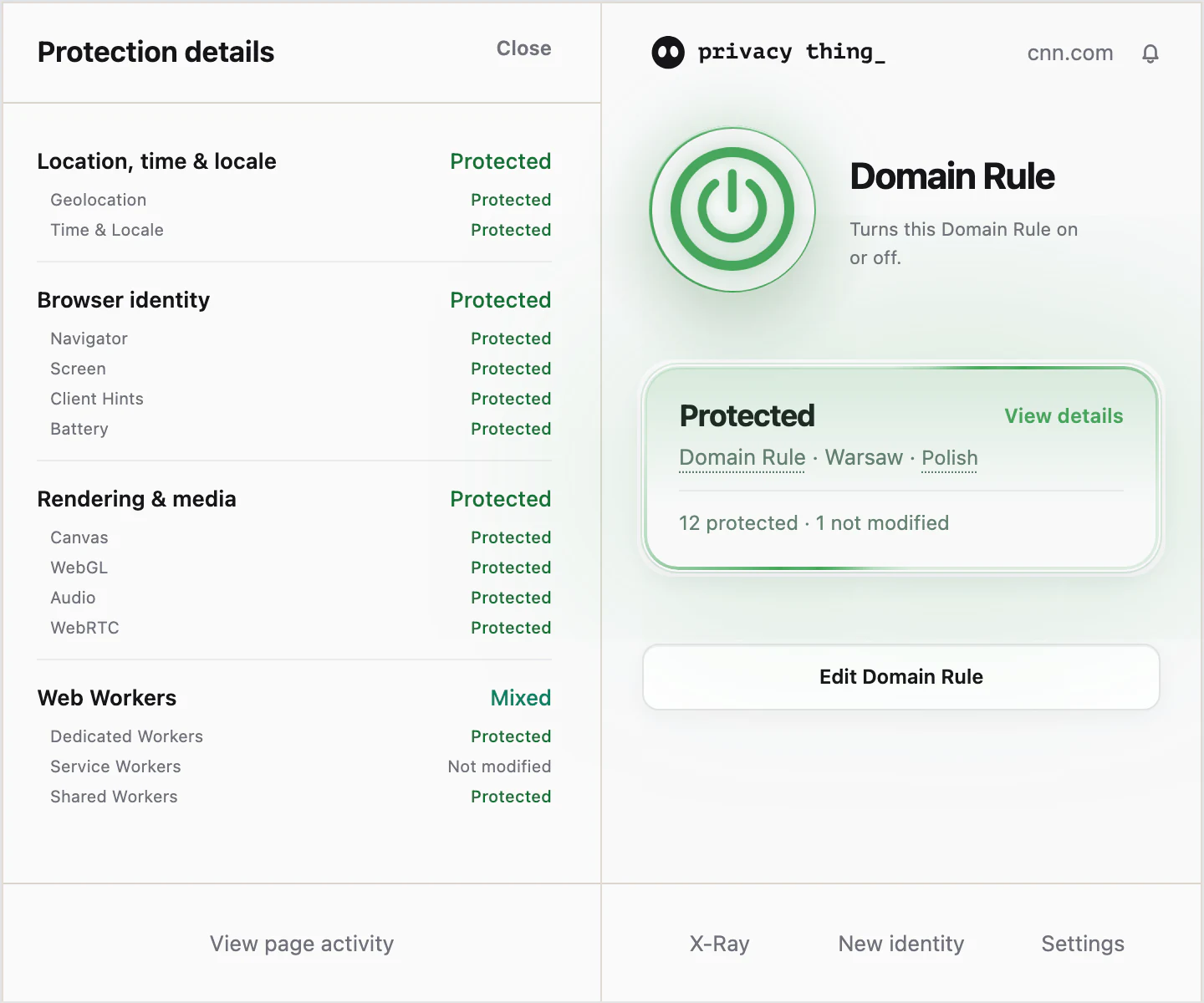
Open the website and use X-Ray to confirm the active rule and see which supported categories the site used.
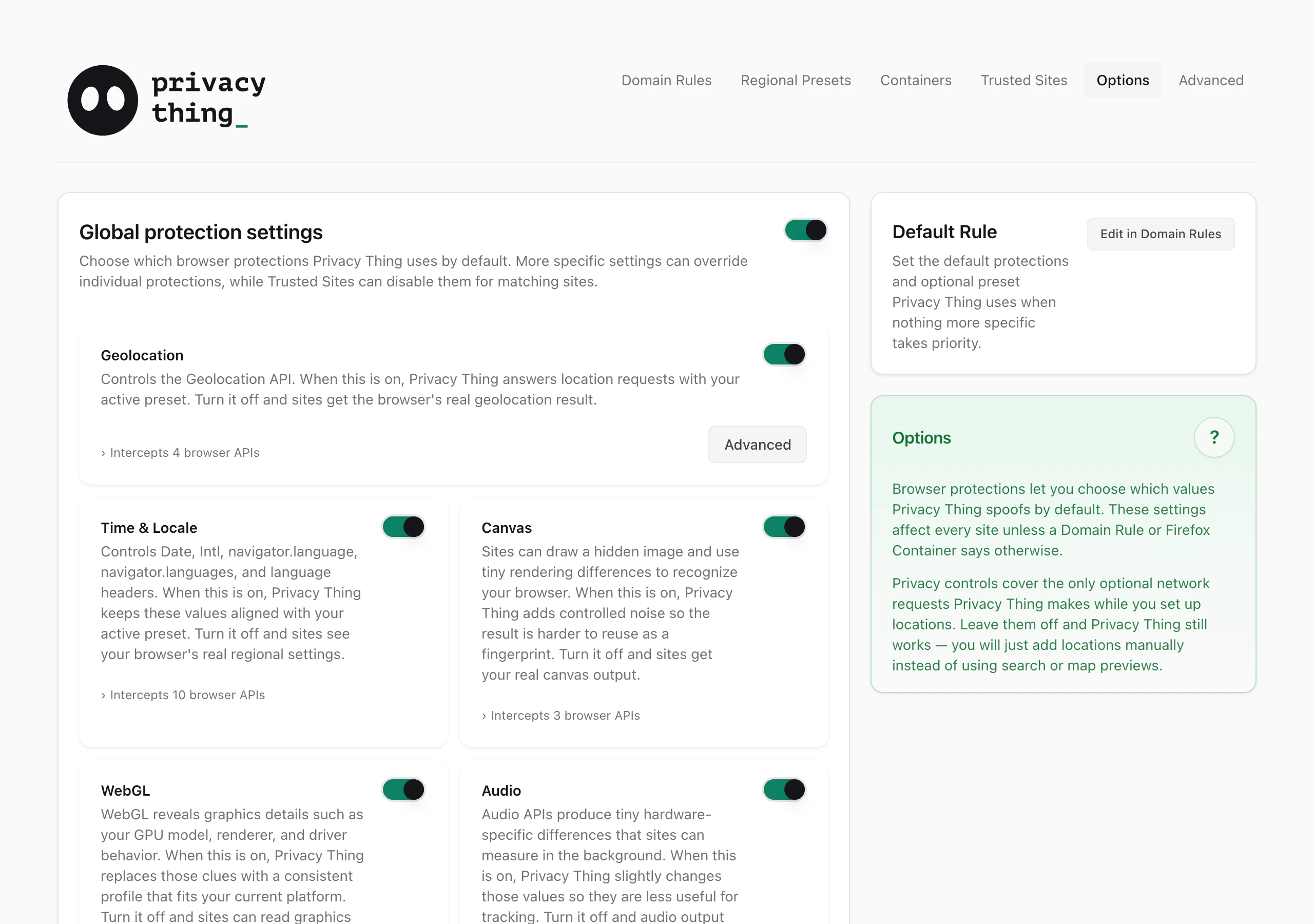
Privacy Thing changes the coordinates and accuracy reported by geolocation requests, including subsequent location updates.
Privacy Thing changes the locale, language order, time zone, and date-and-time formatting.
Privacy Thing changes selected results from Canvas drawing and measurement methods.
Privacy Thing changes selected renderer identifiers, GPU details, and WebGL parameters.
Privacy Thing changes selected values and measurable output from audio interfaces.
Privacy Thing changes selected browser, platform, hardware, and device properties.
Privacy Thing changes screen dimensions, available area, pixel ratio, and color depth.
Privacy Thing changes selected browser and device values in request headers and JavaScript.
Privacy Thing reports a fixed full-and-charging state instead of the device's battery data.
Privacy Thing applies relay-only connections and browser IP-handling controls that can reduce local and public IP leaks.
Privacy Thing applies supported values inside Dedicated Workers.
Privacy Thing can optionally block Service Worker registration.
Privacy Thing provides Native, Spoof, and Strict handling modes for Shared Workers.
Available only in Privacy Thing for Chromium-based browsers (Chrome, Edge). Compare browser support →
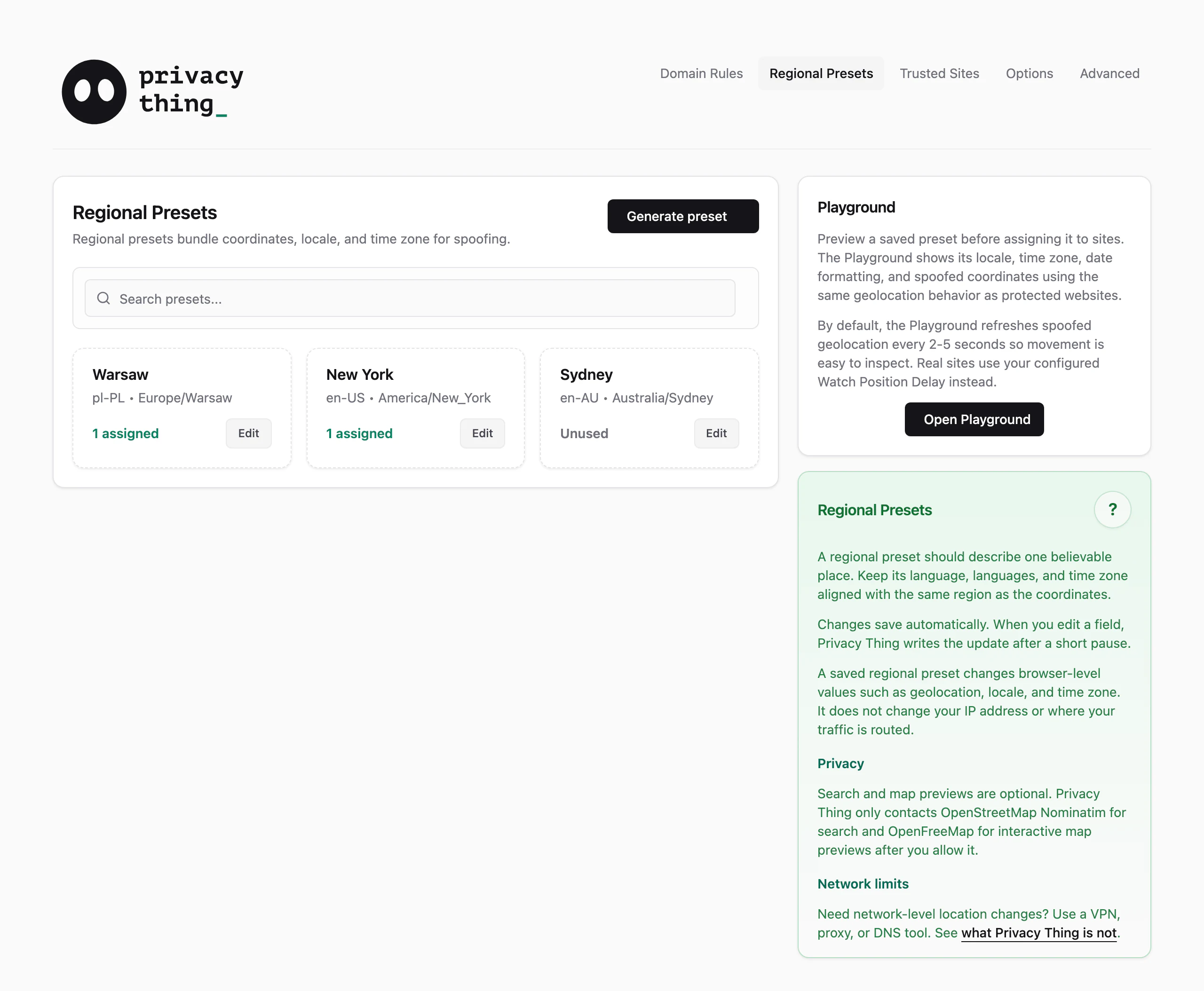
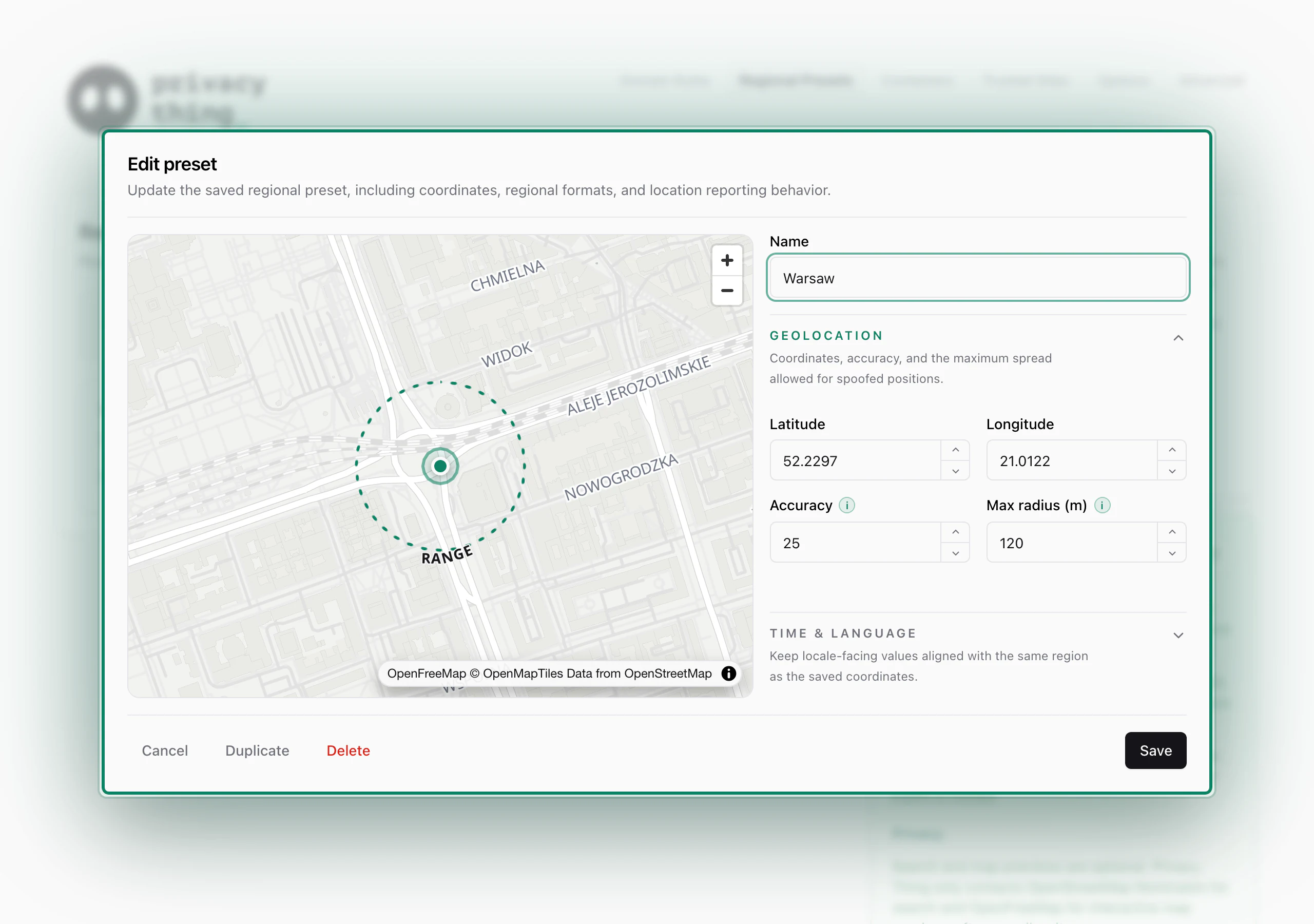
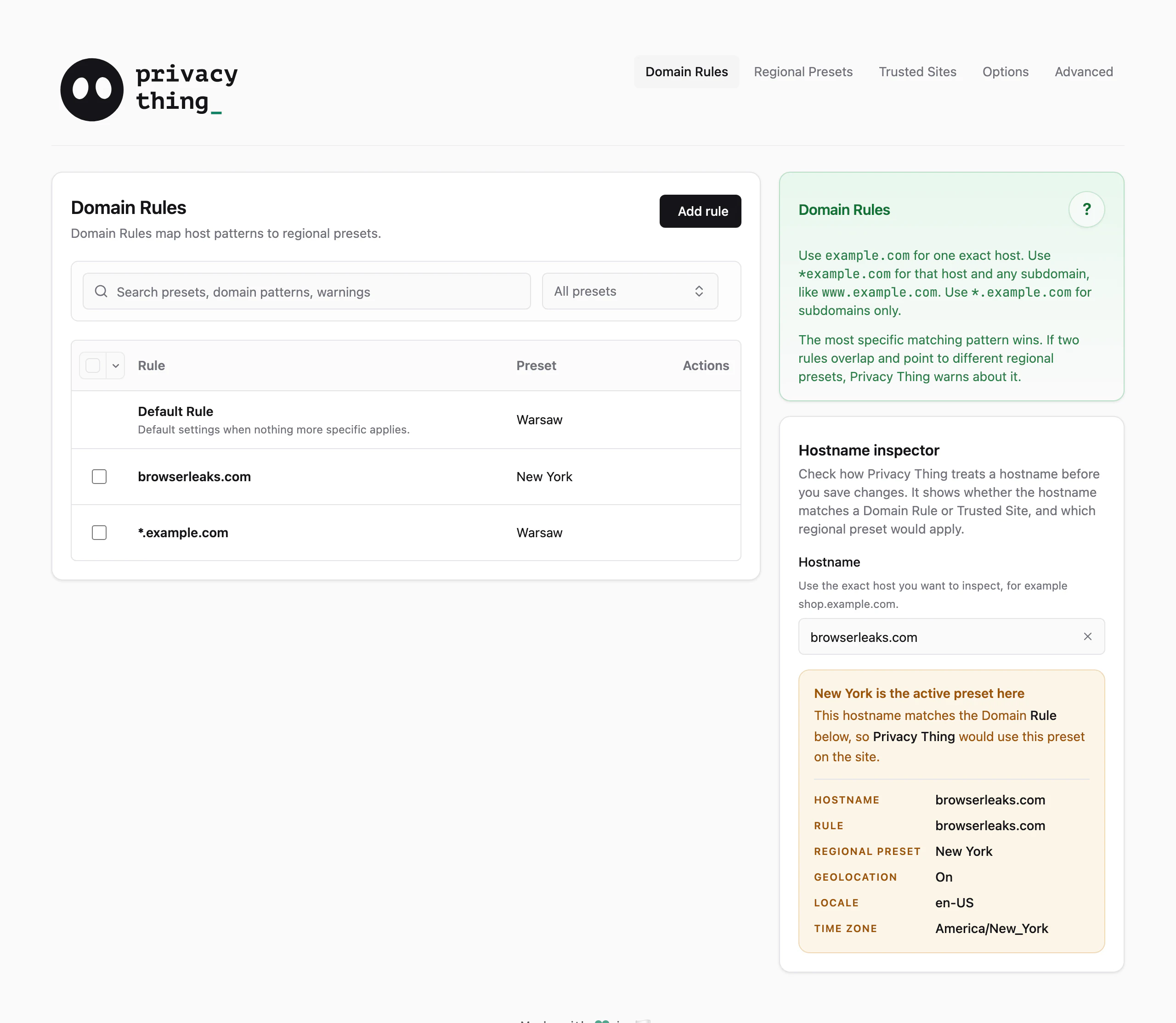
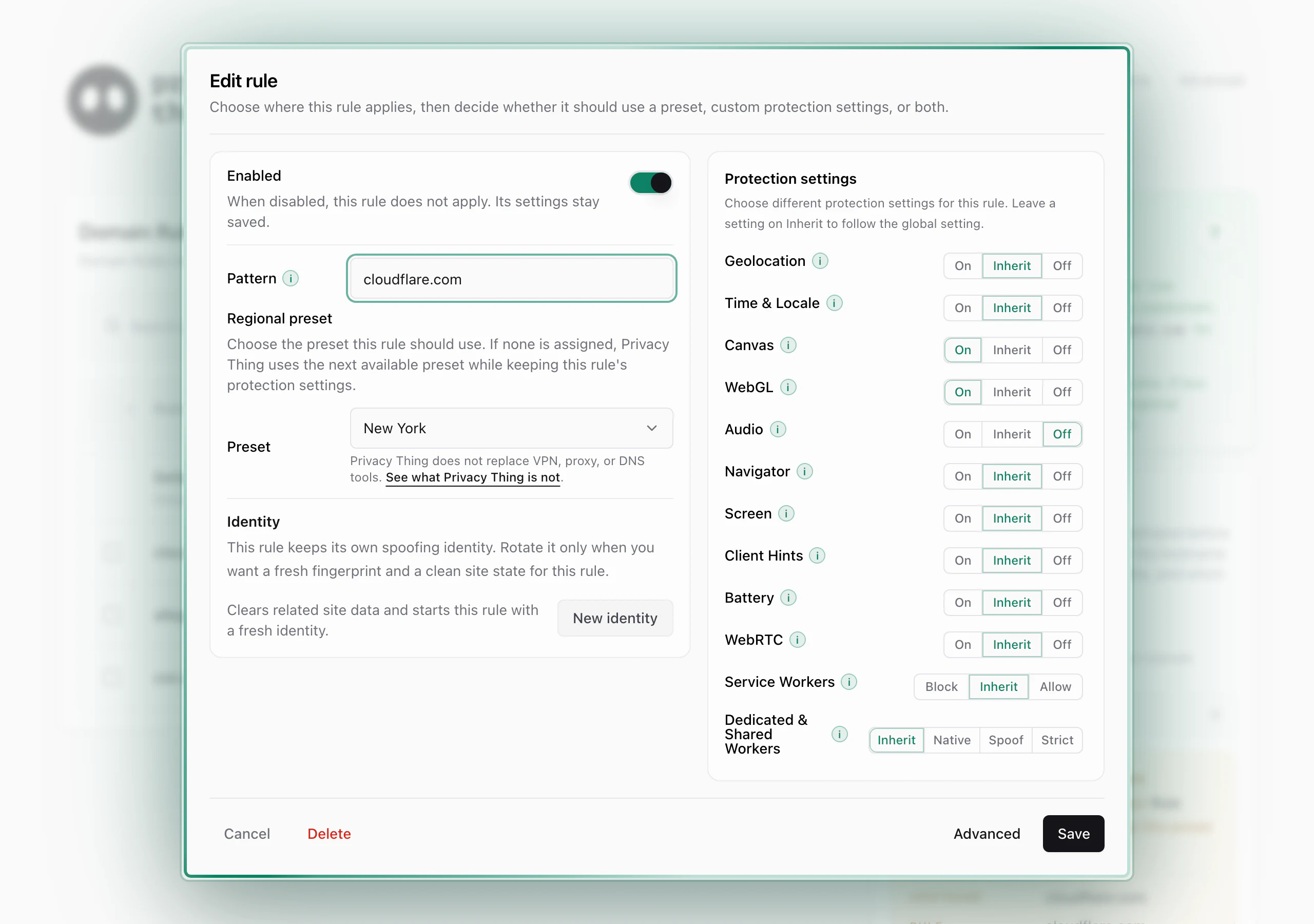
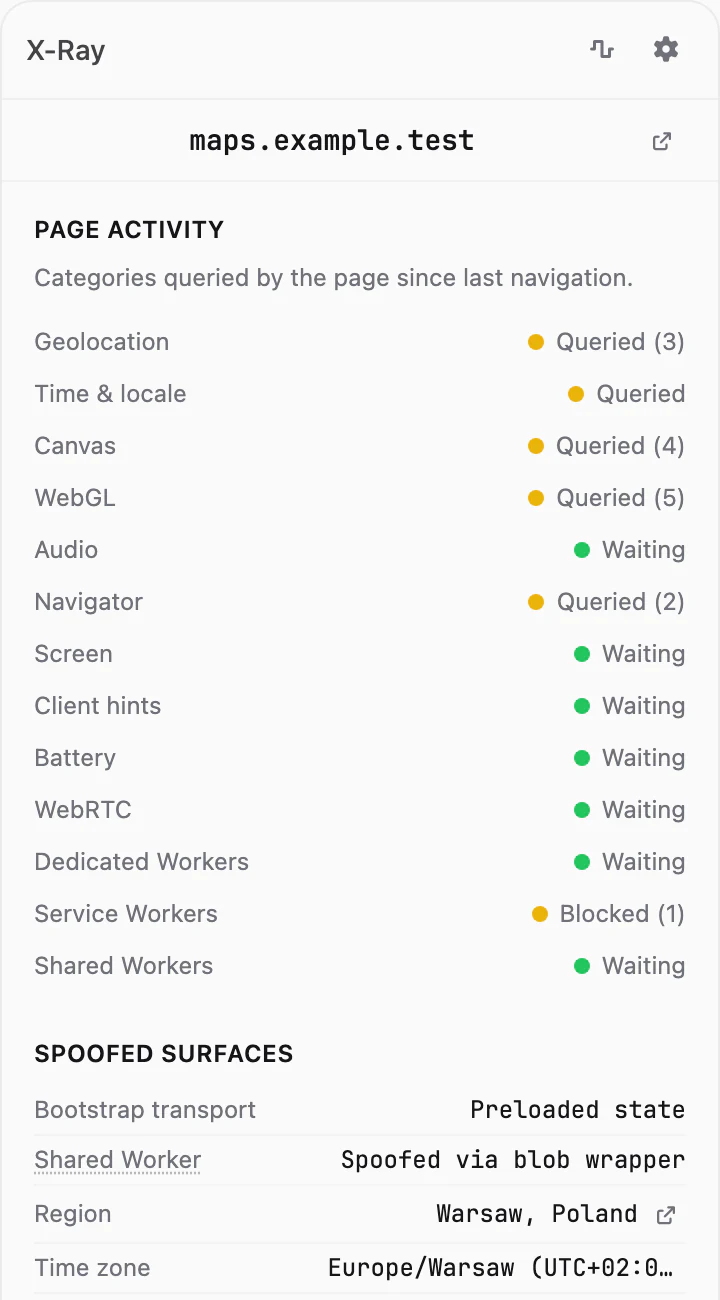
Fingerprinting is often embedded in website code, and blocking every attempt can break sites. Privacy Thing takes a different approach: it changes selected browser data and functions. Where possible, it supplies false values that form a plausible, internally consistent fingerprint. It does not promise complete protection or anonymity.
Open guide →X-Ray records detected use of supported browser data and functions in the current tab. It also identifies the source in control.
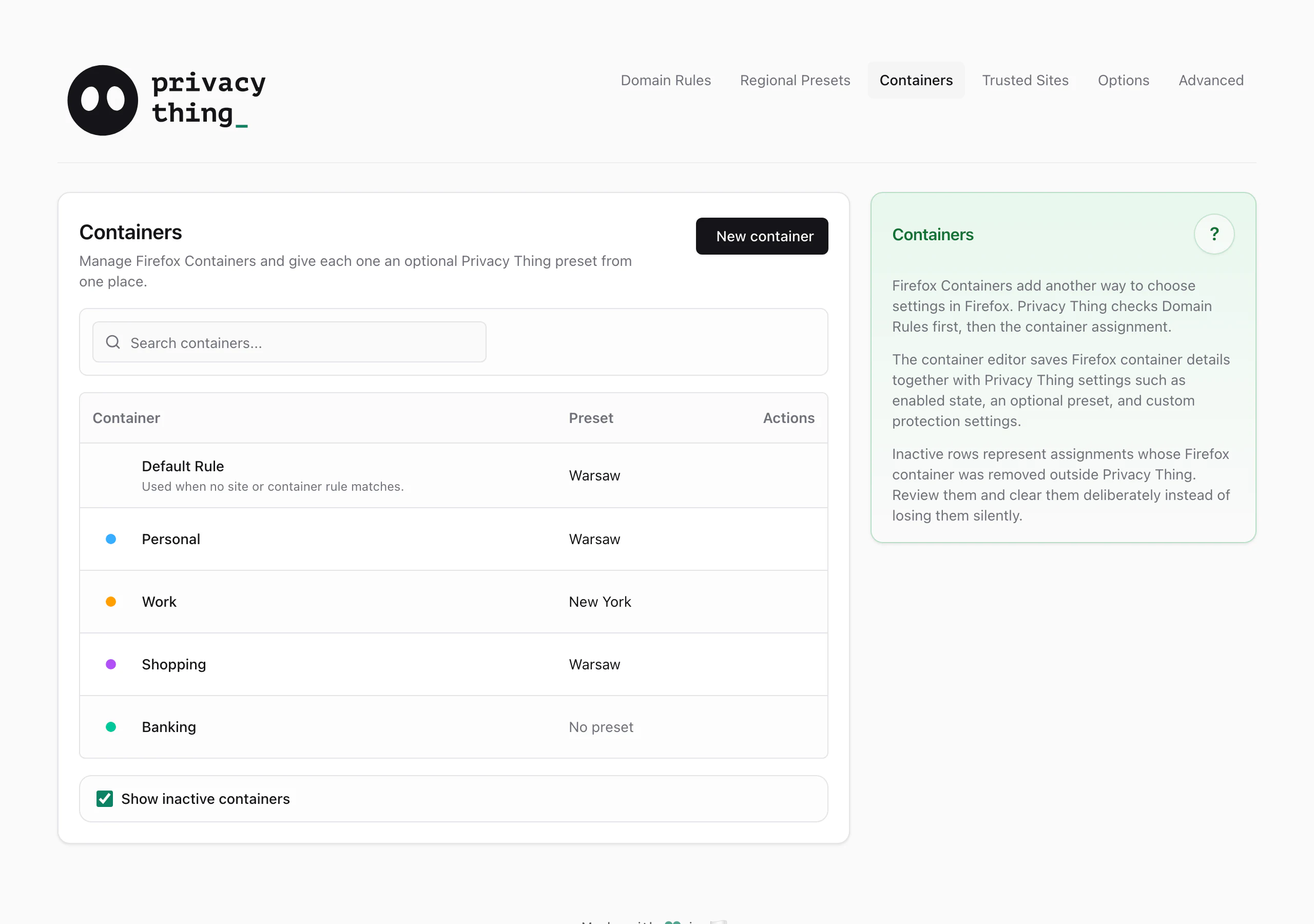
Open guide →Yes. Domain Rules assign Regional Presets and protection settings to hosts and domain patterns. We love Firefox Containers. They are a fantastic concept, and Privacy Thing supports them directly with per-container settings and optional presets.
Open guide →The Preview is available in the Chrome, Firefox, and Edge extension stores. The Chromium version should also work in other Chromium-based desktop browsers that support Manifest V3, although those browsers are not part of the same release and testing matrix.
Open guide →Place search and map previews use external services, which Privacy Thing contacts only after you grant consent.
Open guide →Install the Preview and create your first Domain Rule.